

Settings
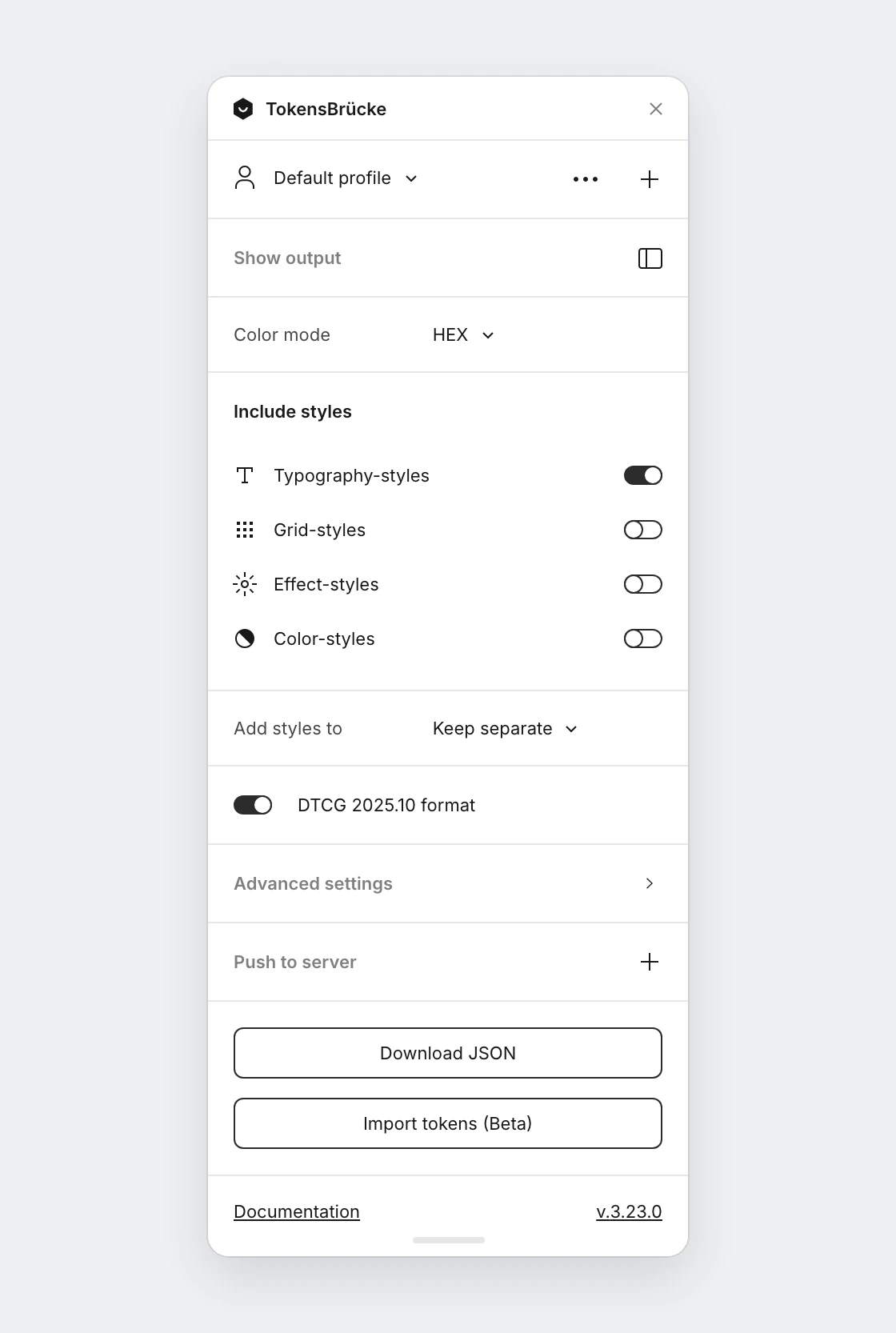
The main view of the plugin holds the settings most exports need. Everything else is under Advanced settings.
Color mode
Section titled “Color mode”Allows you to choose the color mode for the generated JSON. Default value is HEX. The plugin supports the following color modes:
HEX— HEX color format. Could be converted intoHEXAif the color has an alpha channel.RGBA CSS— RGBA color format in CSS syntax, e.g.rgba(0, 0, 0, 0.5). When alpha is1, the output isrgb(r, g, b)(no alpha channel).RGBA Object— RGBA color format in object syntax, e.g.{ r: 0, g: 0, b: 0, a: 0.5 }.sRGB DTCG— sRGB color format in object syntax matching the DTCG specificationHSLA CSS— HSLA color format in CSS syntax, e.g.hsla(0, 0%, 0%, 0.5).HSLA Object— HSLA color format in object syntax, e.g.{ h: 0, s: 0, l: 0, a: 0.5 }.HSL DTCG— HSL color format in object syntax matching the DTCG specificationOKLCH DTCG— OKLCH color format in object syntax matching the DTCG specification
The DTCG color objects carry the opacity in alpha and a 6-digit hex fallback, as the specification requires. Older exports wrote an 8-digit hex for translucent colors; the import reads both.
Include styles
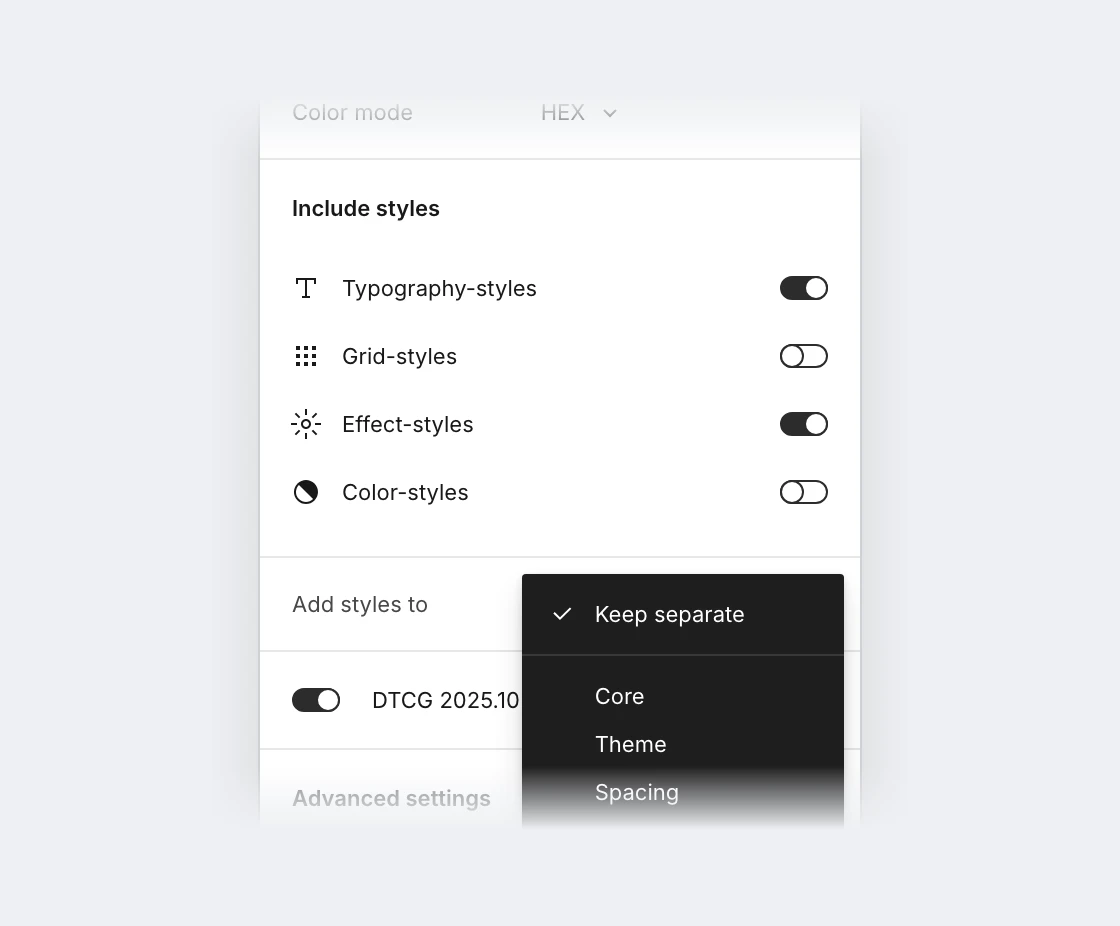
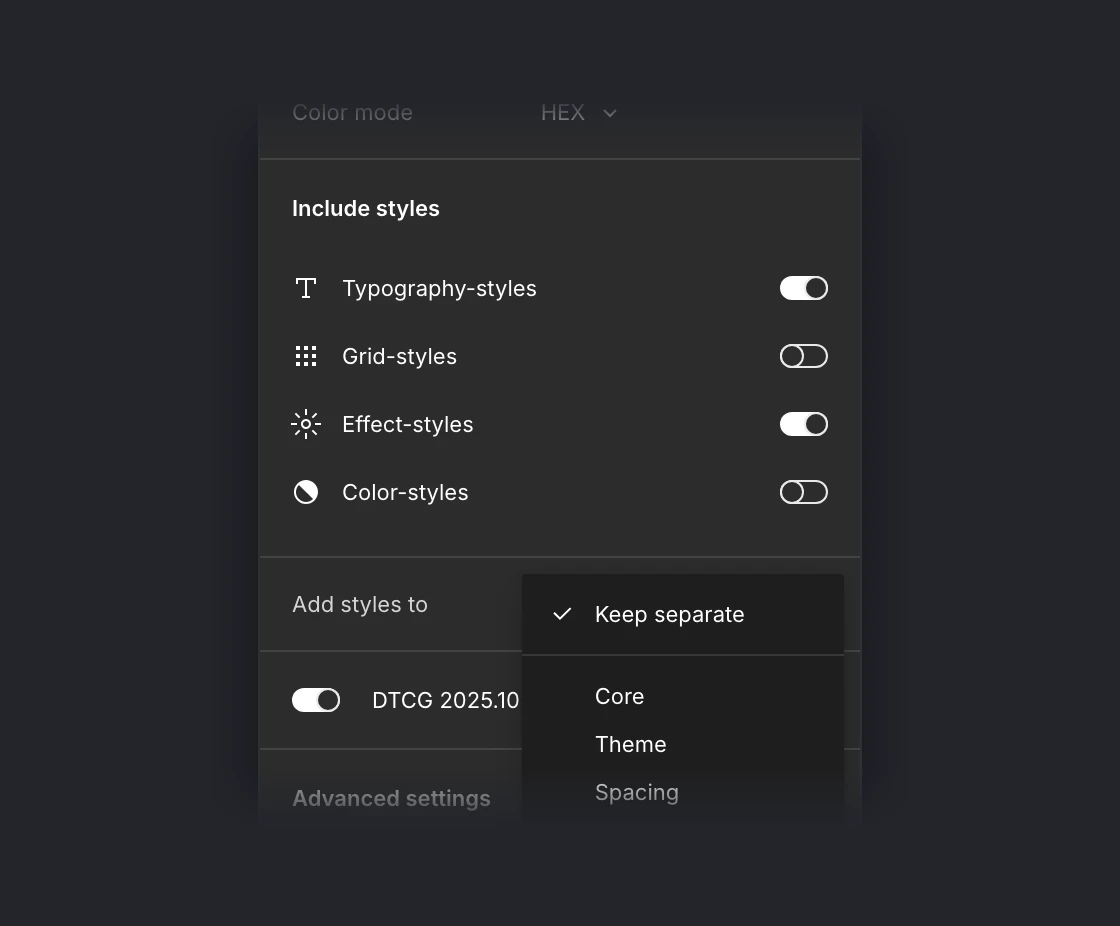
Section titled “Include styles”Allows you to include styles into the generated JSON. Text, effect, grid and color styles each have their own toggle, and all of them are off by default. See more about styles support in the Styles support section.
There is an option to rename each style’s group and give it a custom name for better organization.
Add styles to
Section titled “Add styles to”Shown once at least one style type is included. Allows you to choose where to put styles in the generated JSON. By default, the selected value is Keep separate. In this case styles will be added into the root of the JSON and will be treated as collections. There is also an option to add styles into the corresponding collection. If that collection isn’t in the export (for example in another file, or with Omit collection names), the styles are kept separate.
DTCG 2025.10 format
Section titled “DTCG 2025.10 format”Is on by default. Aligns the output with the DTCG 2025.10 specification:
- All token keys are prefixed with the
$symbol ($value,$type,$description). - Dimensions are exported as objects per §8.2 Dimension —
{ "value": 6, "unit": "px" }instead of"6px". This also applies to sub-values in shadows, typography, and grids. - The root
$extensions["tokens-bruecke-meta"]includes aspecfield with the canonical spec URL, so downstream tools know which format to expect. - A variable named like a group of other variables (
border/brandnext toborder/brand/subtle) becomes the group’s root token per DTCG 2025.10 §6.2:border.brand.$root. References to it point at{….border.brand.$root}. With the format off, the token and the group share one object, as before. The import reads both shapes.
// Off — native Figma format{  "button": {    "background": {      "type": "color",      "value": "#000000"    },    "height": {      "type": "dimension",      "value": "32px"    }  }}
// On — DTCG 2025.10 format{  "button": {    "background": {      "$type": "color",      "$value": "#000000"    },    "height": {      "$type": "dimension",      "$value": { "value": 32, "unit": "px" }    }  }}