

Dev Mode
The plugin also runs in Dev Mode and in Figma for VS Code, so developers with a Dev seat can export tokens themselves. Open a file in Dev Mode, go to Plugins in the right sidebar and run TokensBruecke.
The plugin fills the Inspect panel. Everything for exporting is there; Import tokens is not, because Dev Mode is read-only.
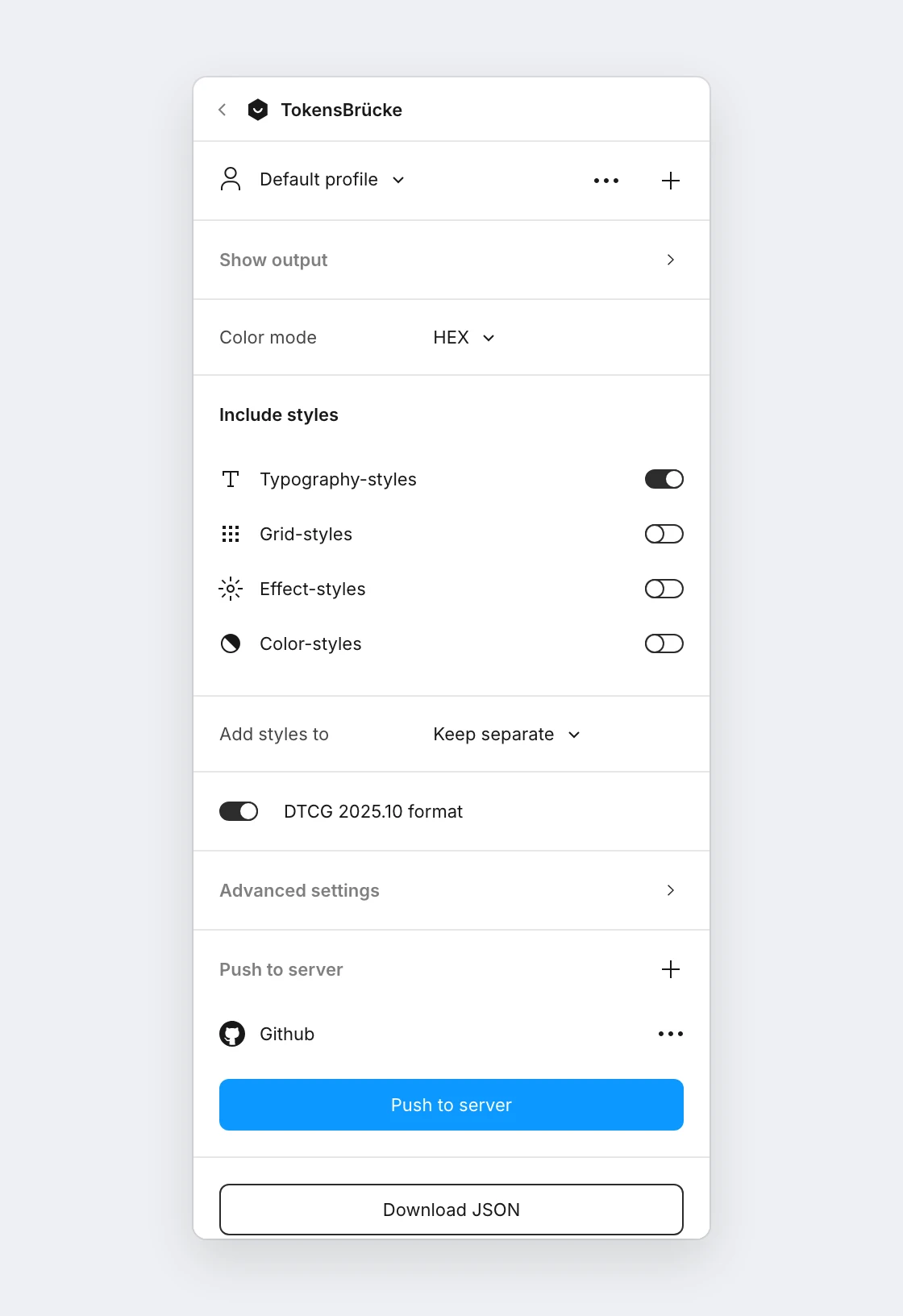
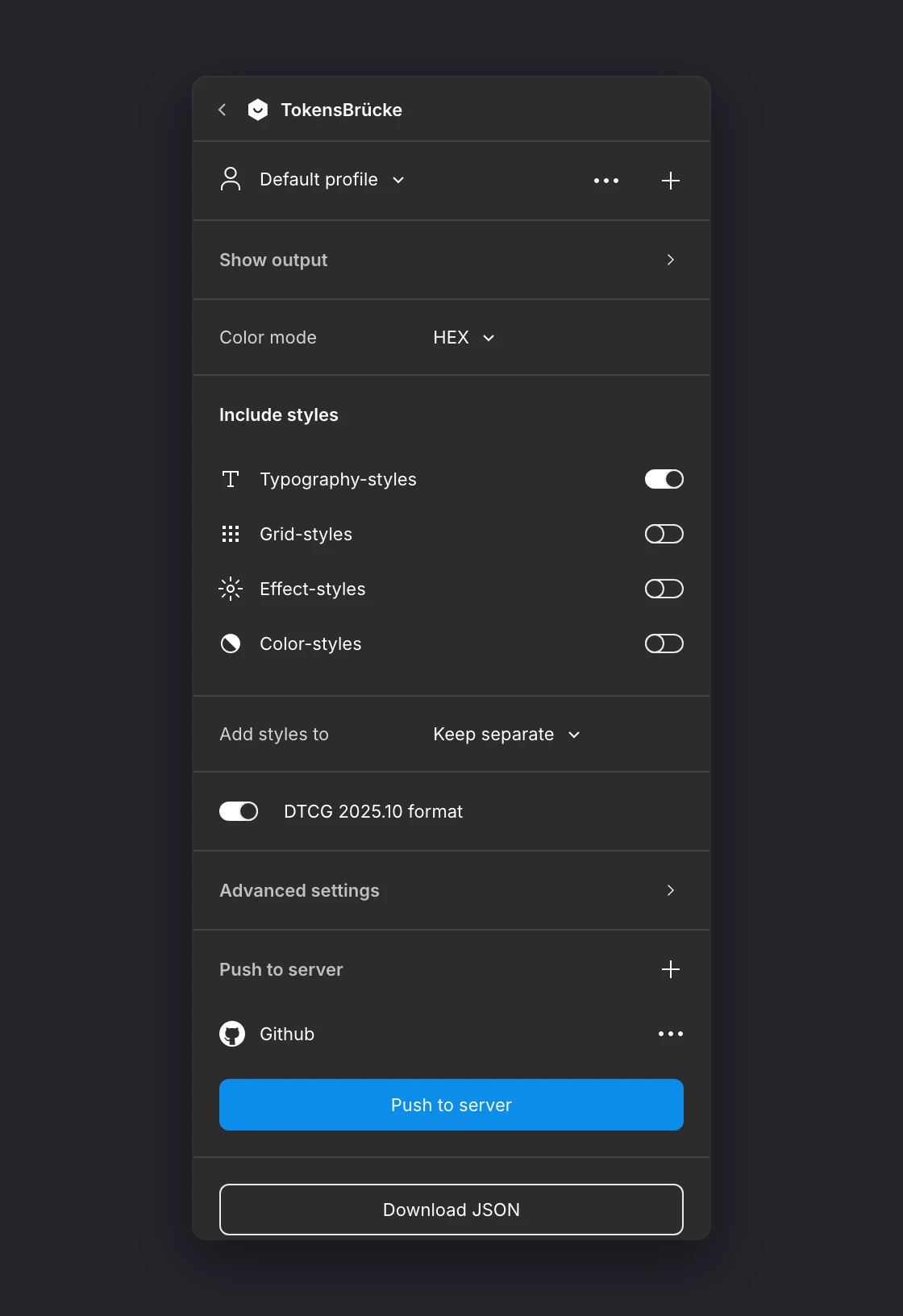
| Feature | Figma Design | Dev Mode |
|---|---|---|
| Export: settings, download, push, profiles | ✅ | ✅ |
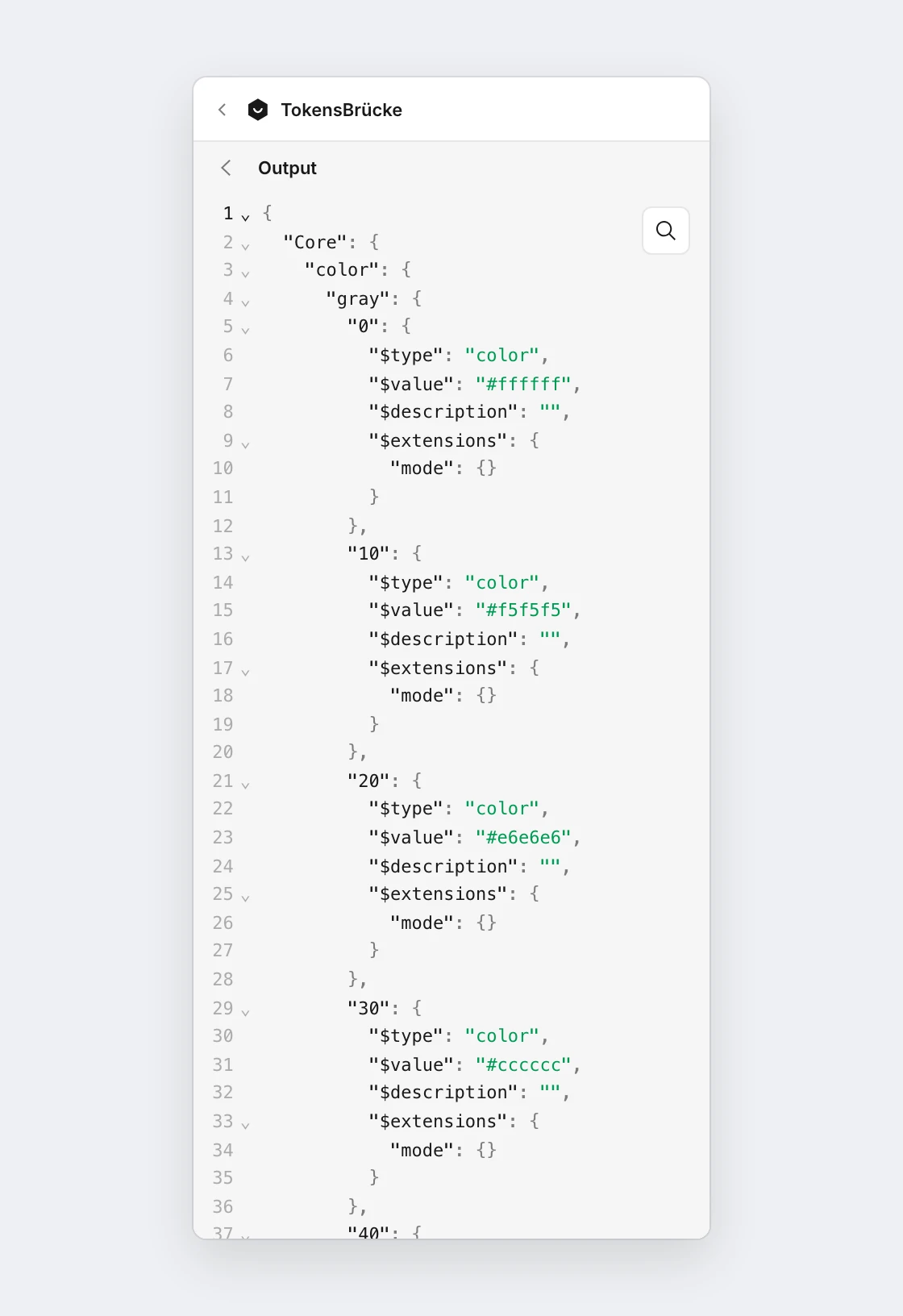
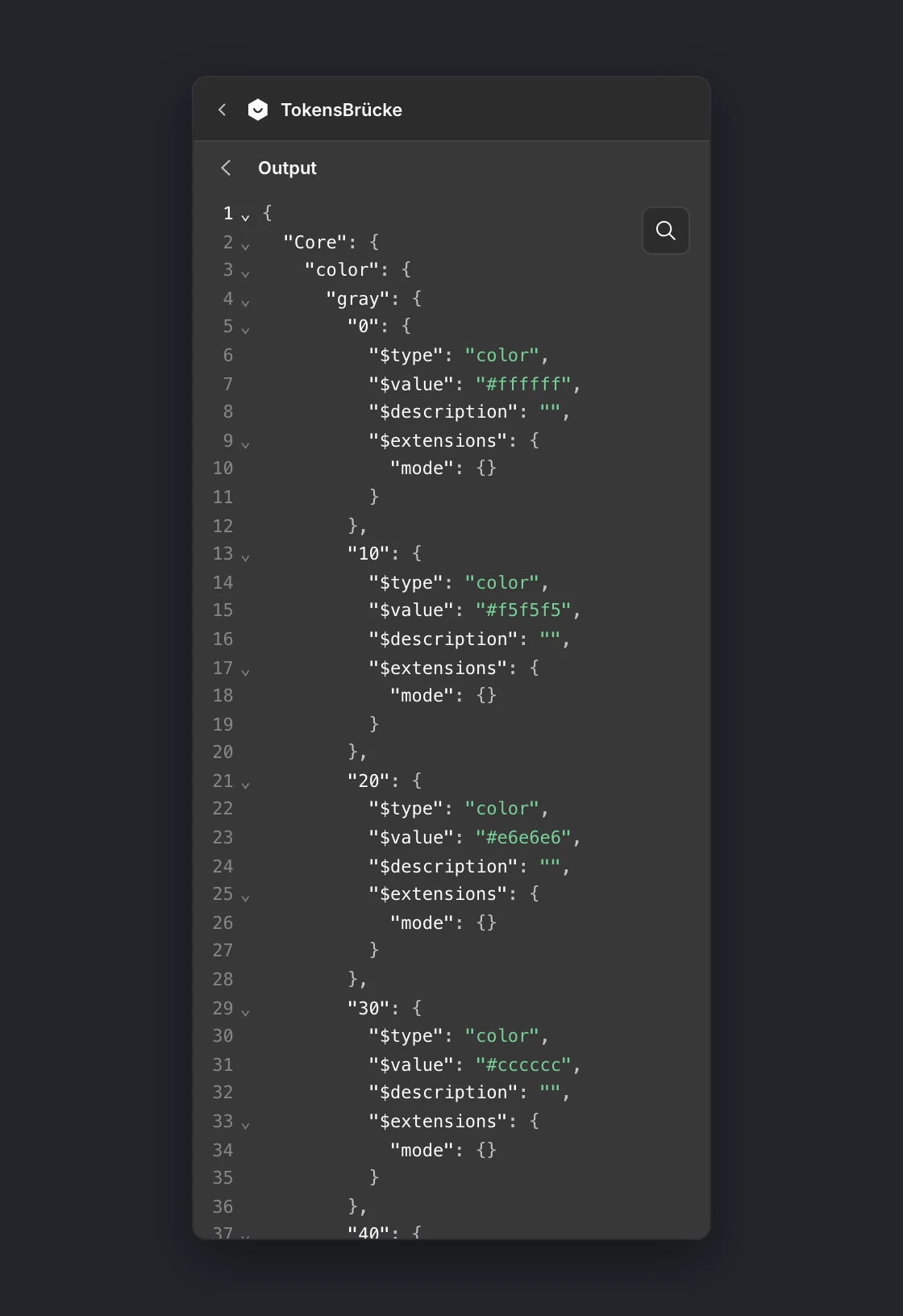
| Show output | ✅ sidebar | ✅ fills the panel, with a back button |
| Import tokens into variables | ✅ | ❌ Dev Mode is read-only for every plugin, even with edit access |
| Window resizing | ✅ | the panel is resized by you, not the plugin |
Show output opens the generated JSON in the panel, in place of the settings. The back button returns to them.
Import and seats
Section titled “Import and seats”To import tokens, someone with a Full seat and edit access to the file runs the plugin in Figma Design. Which seats can run plugins where is listed in Figma’s plugin help article: a Dev seat runs plugins in Dev Mode only, and Dev Mode needs a paid plan.
Giving developers your settings
Section titled “Giving developers your settings”Set-up is personal: profiles and server credentials are stored per user. To give developers the same settings, share a profile in the file. They pick it from the profile dropdown and add their own token.