

Export and import
The plugin supports both exporting and importing design tokens:
Export (Variables → JSON)
Section titled “Export (Variables → JSON)”- Click “Download JSON” to export your Figma variables as a design tokens JSON file
- The exported file is compatible with the DTCG 2025.10 specification
- You can also push directly to supported services (JSONBin, GitHub, GitLab, etc.)
- The exported tokens can be converted into CSS, JS, and other platform formats using tools like Terrazzo or Style Dictionary
Import (JSON → Variables)
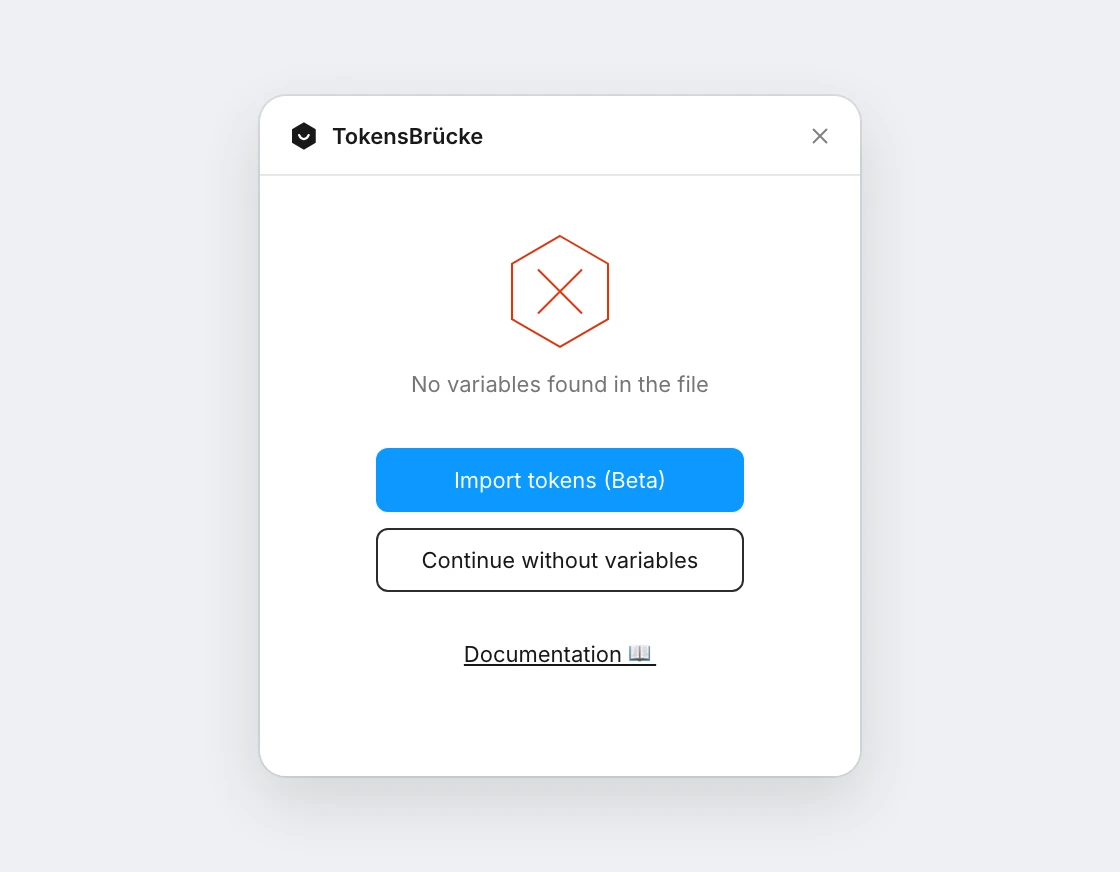
Section titled “Import (JSON → Variables)”- Click “Import tokens (Beta)” to import design tokens from a JSON file back into Figma. The button is in the settings and on the “No variables found” screen. The import runs in Figma Design only, not in Dev Mode
- The plugin will create variable collections, modes, and variables based on the JSON structure
- Supports both DTCG format (
$value,$type) and standard format (value,type) - Handles alias references between variables
- Creates new collections and variables as needed, or updates existing ones
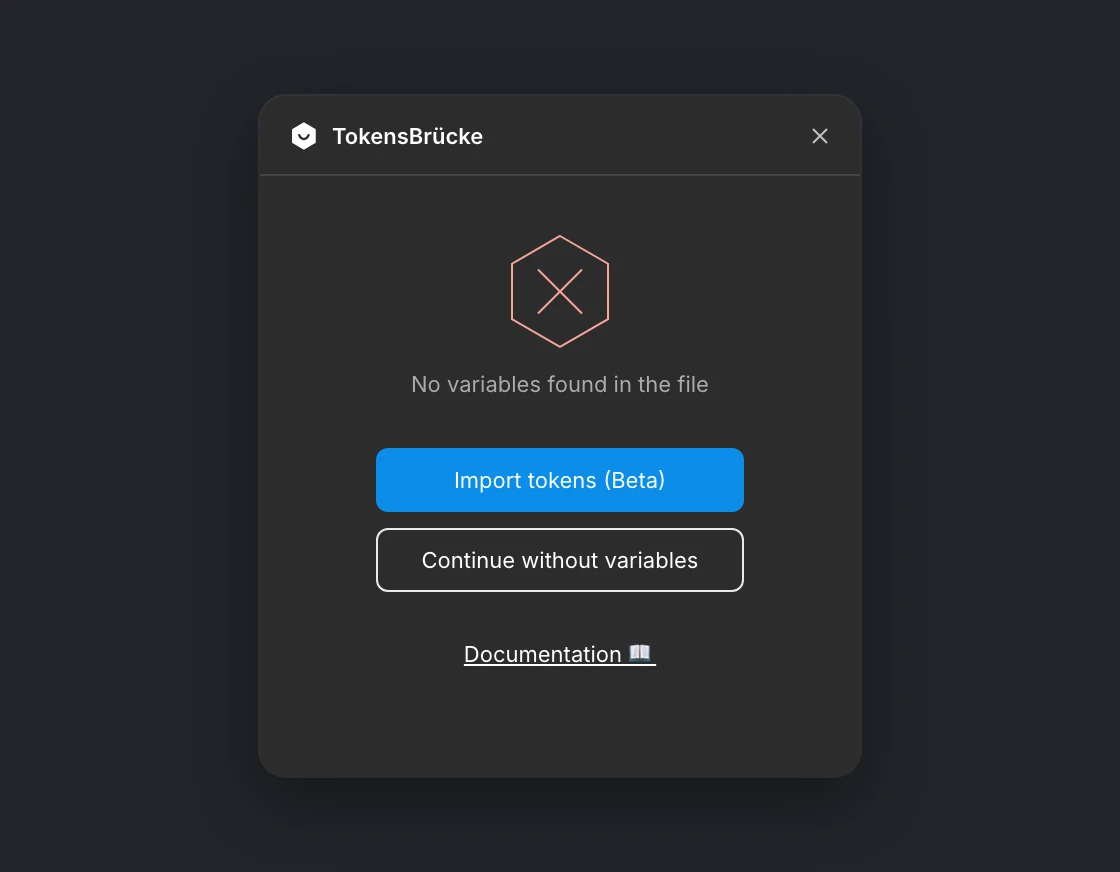
A file without variables opens on this screen, with the import button:
Import Features:
- ✅ Creates variable collections from top-level objects
- ✅ Supports multiple modes (from
$extensions.modeorextensions.mode) - ✅ Handles all variable types (color, number, string, boolean, timing, easing)
- ✅ Resolves alias references between variables
- ✅ Supports these color formats: HEX, RGBA CSS, RGBA Object, DTCG color objects (
srgb-dtcg,hsl-dtcg,oklch-dtcg, through theirhexfallback) and color aliases with opacity. HSLA CSS and HSLA Object can’t be imported yet - ✅ Imports variable descriptions and
scopes. Invalid scopes are reported, and scopes are skipped ondurationandcubicBeziertokens.$extensions.figma(code syntax, variable IDs) is ignored - ✅ Imports
durationandcubicBeziertokens as Figma motion variables (see Motion variables) - ✅ Imports
fontFamilyandfontWeighttokens withoutscopesas new variables scoped to “Font family” and “Font weight”, so they keep their type on the next export. Existing variables keep their scopes. AfontFamilylist keeps only its first family, since a string variable holds one
What to know before importing:
- Tokens without their own
$typetake it from the closest group, as DTCG allows; an alias without a type takes the type of the token it references. - Every top-level key becomes a collection. Files exported with Omit collection names don’t map back to the original collections.
- A file of a split-by-mode export carries its mode in the meta, so its values go into that mode of the collection, which is added if it’s missing. Import the files one by one; the first one imported into a new collection becomes its default mode.
- An existing collection’s first mode is renamed to the first mode in the tokens.
- Units are dropped from dimensions, since Figma number variables have no unit:
1remimports as1. - Extended collections are imported as regular collections when they don’t exist in the file yet. If the extended collection exists, its tokens update the variables it inherits: the values become overrides for its modes. New variables and modes can’t be added to an extended collection, so those tokens are reported as errors.
- An existing variable keeps its type. A token of another type, for example a
dimensiontoken for a color variable, is skipped and listed in the import result.