Same variables, your format.
Change the color format, the DTCG toggle or a scope, and only the affected tokens change. It runs the plugin's own converter in your browser; nothing is uploaded.
CoreValueScope
color/focus COLOR 50%All scopes
color/focus-ring COLOR→ focusAll scopes
space/400 FLOAT16
font/weight/bold FLOAT700
opacity/disabled FLOAT40
How a number variable gets its type
Figma has no opacity or font-weight type, so the scopes decide.
- Only font weight
- fontWeight
- Only opacity
- number
- Anything else
- dimension
design.tokens.jsonempty fields hidden
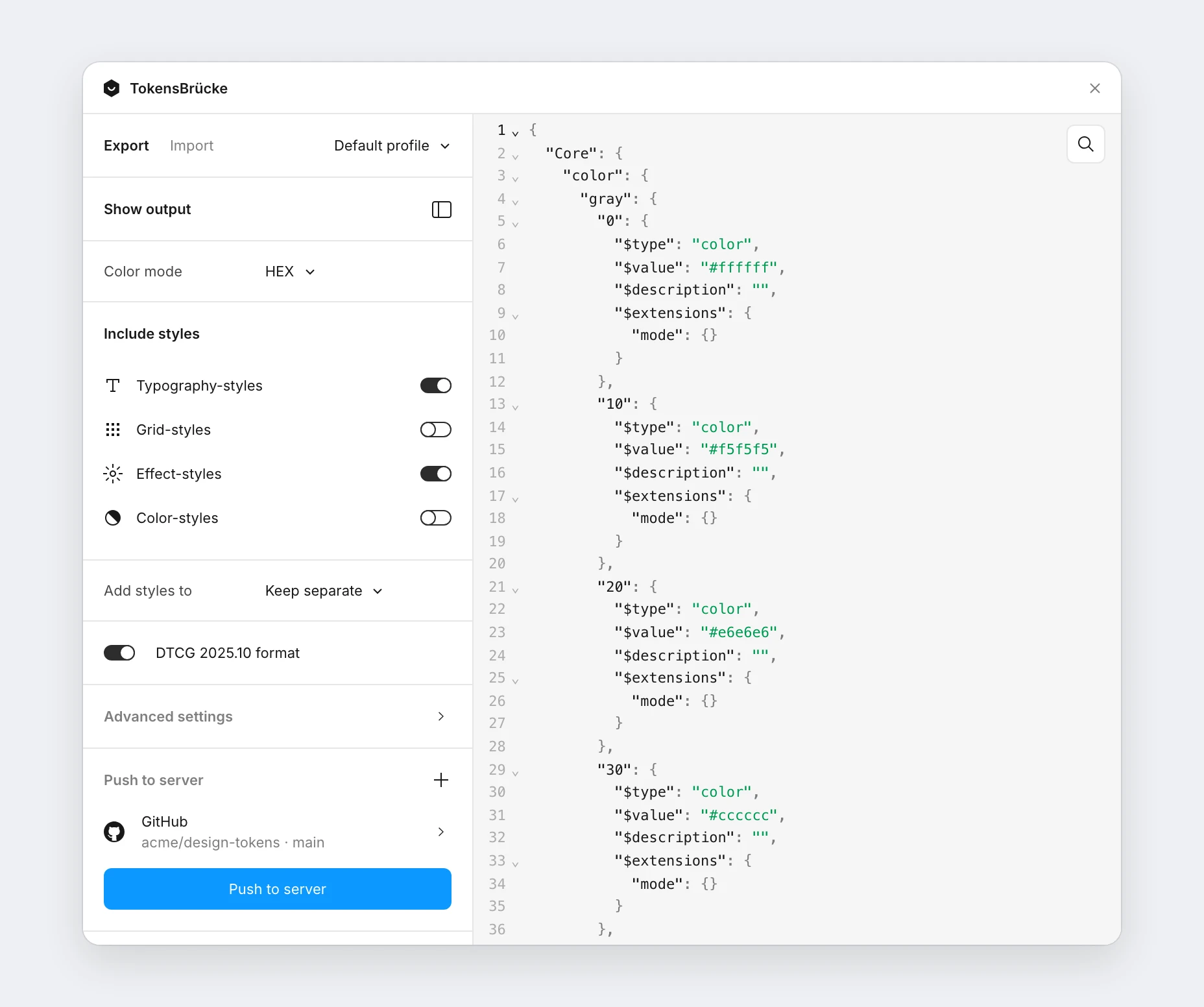
Export from Figma
Pick a color format, include styles, preview the JSON and push it to GitHub, GitLab or your own server. Works in Dev Mode too.
Run it in CI
Export from the Figma REST API or a local snapshot. Pure JSON on stdout for scripts and agents. CLI docs
$ npx tokens-bruecke@latest \
    --file-key $FIGMA_FILE \
    --output tokens/figma.json
✨ Tokens successfully written to tokens/figma.jsonCall it from your build
fetchTokens and convertTokens, with no child process and no files on disk. Library docs
import { fetchTokens } from 'tokens-bruecke/api';

const tokens = await fetchTokens({
  fileKey: 'abc123',
  personalAccessToken: myToken,
});The rest of the pipeline.
Ready when your variables are.
Free and open source under MIT. Nothing leaves Figma unless you push it.